TRON is the chain the rest of the crypto world underestimates and half the developing world runs on. It settles more dollar-stablecoin volume than almost any network alive, blocks arrive every ~3 seconds, and a TRX transfer costs less than a cent — which is why it became the default payment rail across Latin America, Africa, South and Southeast Asia.
This guide covers why TRON owns the emerging-market corridor, how its unusual fee model (energy and bandwidth) actually works, a worked freelancer example, and a non-custodial setup where every payment lands in a wallet only you control.
why TRON — the workhorse argument
Ask a freelancer in Lagos, Buenos Aires or Karachi how clients pay them and the answer is very often 'USDT on TRON'. The network won on two things merchants care about: cost (fractions of a cent for TRX, low single-digit dollars at worst for token transfers) and ubiquity (every exchange and every wallet in those markets supports TRC-20).
Accepting TRX directly rides the same rail: 3-second blocks, negligible fees, and a customer base that already knows exactly how to send it. Most merchants who enable TRX also enable USDT-TRC20 next to it and let the payer pick.
what payments cost on TRON
| transfer type | typical cost | spendable in | notes |
|---|---|---|---|
| TRX (native) | under a cent | ~3 seconds | cheapest way to move value on the chain |
| USDT-TRC20 | a few TRX worth of energy (roughly $1–4, varies) | ~3 seconds | cost paid by the sender, not you |
| card cross-border | 3–5% + FX spread | days | plus chargeback exposure |
| remittance services | 5–10% all-in | minutes to days | the corridor TRON quietly replaced |
As the receiving merchant you pay nothing — sender-side fees are the customer's, and on a non-custodial page the platform fee is 0%.
energy and bandwidth, in one minute
TRON doesn't charge gas the way EVM chains do. Every account gets a daily allowance of bandwidth (covers simple TRX transfers — effectively free), while token transfers like USDT consume energy, which the sender either rents cheaply or pays for by burning TRX. Practical takeaway for a merchant: receiving costs you nothing, and if you later move funds onward, keep a small TRX balance in the wallet to cover those outgoing transfers.
That's the entire model. You don't need to think about it beyond keeping a little TRX for gas-equivalent costs when you spend.
wallet setup
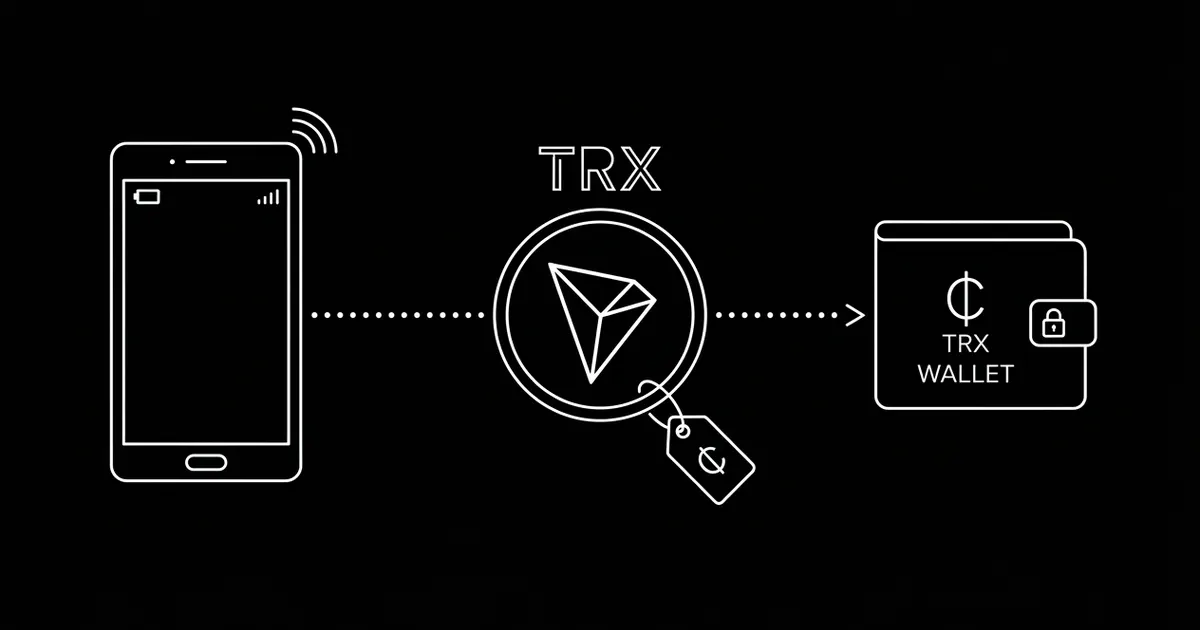
TronLink is the ecosystem-standard self-custody wallet; Trust Wallet, SafePal and the major hardware wallets also support TRON. Your address starts with T… — a different format from EVM 0x addresses, so it gets its own entry on your payment page.
Share only the public T… address with your payment tool — never a seed phrase. On crypt.pe, paste it once and TRX appears on your payment page with a QR and live pricing in your display currency.
a worked example: the $800 freelance invoice
A developer in an emerging market invoices a US client $800. Through PayPal: roughly 4.5% in cross-border fees, an FX spread on withdrawal, and in some countries a multi-day bank transfer at the end — call it $50–70 gone and a week of waiting. Through a traditional remittance rail, often worse.
The same invoice paid in TRX (or USDT-TRC20) to the developer's own wallet: the client pays sender-side fees of cents to a few dollars, settlement is final in ~3 seconds, and the full $800 of value arrives with an on-chain receipt. No intermediary can hold, trim or reverse it. That delta — 5-8% of every invoice — is why this corridor moved to TRON.
pricing and confirmation policy
TRX is volatile, so price in your currency and let the page lock the conversion at payment time — the customer pays an exact TRX amount and drift never becomes a dispute.
Blocks arrive every ~3 seconds and a good gateway marks the order paid automatically, scaling confirmation depth with amount — small sales feel instant, larger ones wait for deeper finality, still under a minute. crypt.pe watches the chain and matches exact amounts to invoices for you.
mistakes to avoid
- Wrong-network sends from exchanges. Customers must withdraw on the TRON (TRC-20) network to reach a T… address — a good payment page says so next to the QR.
- Confusing TRX with USDT-TRC20. Same network, different assets — enable both deliberately and track which one each invoice was paid in.
- Keeping zero TRX in the wallet. Receiving is free, but you'll want a small TRX balance the day you move funds onward.
- Receiving into an exchange deposit address. Deposit addresses get rotated; receive into keys you control.
- Skipping the test payment. One $2 test validates the address, the network label and the receipt.
go-live checklist
- 1. Install TronLink (or use Trust Wallet / hardware); back up the seed on paper.
- 2. Paste the public T… address into your payment page and enable TRX (add USDT-TRC20 alongside if you want the stable option).
- 3. Send yourself a small test payment and check the receipt.
- 4. Put the link on invoices, your site and the printable QR standee.
- 5. Keep a small TRX balance for future outgoing transfers; sweep larger balances to a hardware wallet.
references
- [1]TRON developer documentation
- [2]TRON docs — resource model (energy & bandwidth)
- [3]Tronscan explorer
primary sources last verified — details may change; confirm on the source pages.
frequently asked
How do I accept TRON payments as a business?
Add your public T… wallet address to a non-custodial payment page, share the link or QR, and payments settle directly to your wallet in ~3 seconds. With crypt.pe there's no identity check required to start and 0% platform fees.
Why do USDT-TRC20 transfers cost more than TRX transfers?
Simple TRX transfers are covered by TRON's free daily bandwidth allowance, while token transfers like USDT consume energy, which the sender rents or burns TRX for — typically a dollar to a few dollars. Either way it's the sender's cost, not the merchant's.
How fast do TRON payments confirm?
Blocks arrive every ~3 seconds and payments are spendable almost immediately, with fees under a cent for TRX. A payment gateway applies amount-based confirmation depth automatically.
Is accepting TRON safe for merchants?
Confirmed on-chain payments are final — no card-network chargebacks. Keep it non-custodial (funds go straight to your own wallet), protect your seed phrase, and enable 2FA on your account.