Solana's pitch to merchants is simple: crypto payments that feel like a card tap. Settlement in one to two seconds, network fees measured in fractions of a cent, and a wallet ecosystem (Phantom, Solflare) that made QR payments genuinely pleasant.
This guide covers where that speed actually matters, how SOL compares to every other way of getting paid, the handful of Solana-specific mistakes to avoid, and a non-custodial setup where every payment lands in a wallet only you control.
why speed is Solana's merchant feature
Most crypto rails ask the merchant and customer to stand around while a payment confirms. Solana doesn't: by the time the customer has put their phone away, the payment is final. That changes what crypto is useful for — not just invoices settled at a desk, but counters, market stalls, events and any checkout where a queue is forming.
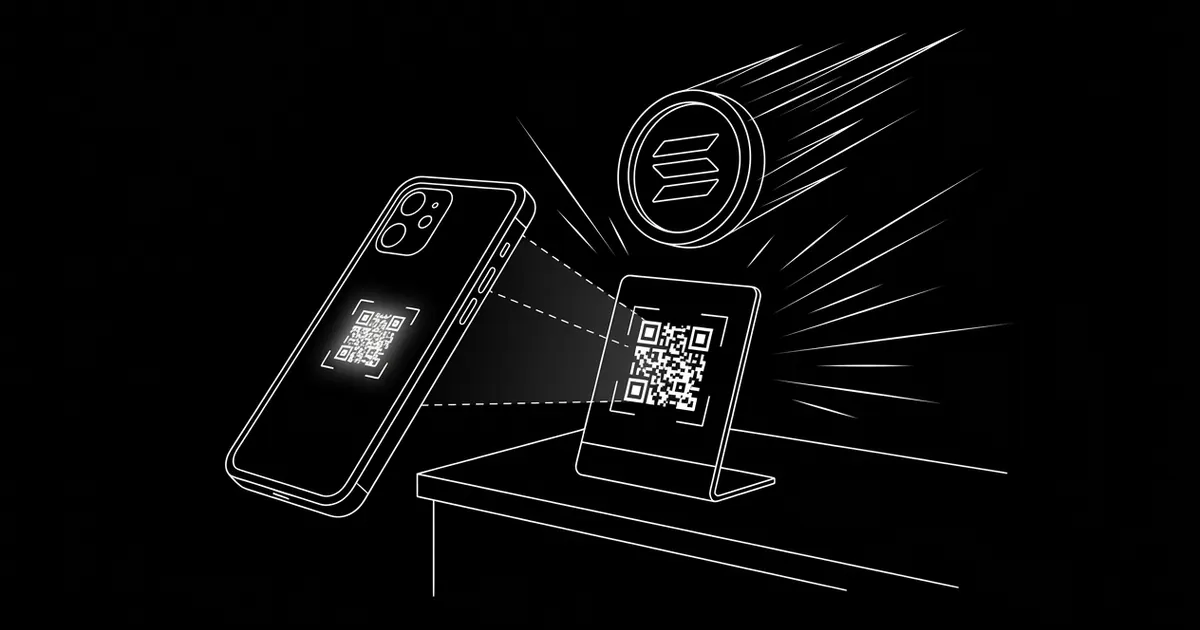
It's also why SOL pairs so well with in-person QR standees: scan, approve, done — no explaining confirmation times to a customer who just wants their coffee.
how Solana compares at the counter
Numbers, side by side, for taking a payment in person or online:
| method | customer waits | cost on a $20 sale | reversible? |
|---|---|---|---|
| Solana (SOL) | ~1–2 seconds | fractions of a cent | no — final |
| Bitcoin (0-conf) | seconds, fully final in ~10 min+ | often under $1 | no — final |
| Ethereum mainnet | ~15 sec – 2 min | $1–5 gas | no — final |
| card tap | instant auth, funds settle in days | ~$0.60–0.90 in fees | chargebacks for months |
The honest caveat: SOL is a volatile asset, so pair the speed with time-locked quotes (below) or offer USDC on Solana alongside it for customers who want a stable number.
wallet setup
Solana uses its own address format — not the 0x address you may already have for EVM chains. Phantom and Solflare are the standard self-custody choices, both free, and hardware wallets support Solana for serious balances.
Share only the public receiving address with your payment tool — never a seed phrase. On crypt.pe, paste the address once and SOL appears on your payment page with a QR and live pricing in your display currency.
a worked example: the market stall
A weekend stall does 60 sales a day at an average of $14 — about $840 daily. On a card reader at ~1.7% plus a per-tap fee, that's roughly $17–20/day in processing, $70–80 over a month of weekends, plus terminal rental. Payouts arrive in days.
The same sales in SOL through a printed QR standee: network fees are effectively zero (fractions of a cent, paid by the customer), settlement is instant to the stall owner's own wallet, and there's no terminal, no rental and no payout schedule. The platform fee on a non-custodial page is 0% — the stall keeps the whole $840.
pricing and volatility
Price the sale in your currency and let the payment page convert at payment time with a short locked quote, so the customer pays an exact SOL amount and drift never becomes a dispute.
If a customer wants dollar stability, USDC also runs on Solana with the same speed — many merchants enable both and let the payer choose at checkout.
confirmation policy
Solana's finality is fast enough that even amount-scaled confirmation policies feel instant. On crypt.pe, detection is automatic: the page watches the chain, matches the exact amount, and flips the order to paid — typically before the customer has looked up from their phone.
mistakes to avoid
- Reusing an EVM address. Solana addresses are a different format — paste a Solana address, not your 0x one.
- Receiving into an exchange deposit address. Exchanges rotate deposit addresses and can hold funds; always receive into a wallet where you hold the keys.
- Ignoring the stable option. Enabling USDC on Solana next to SOL costs nothing and captures customers who won't hold a volatile asset.
- Leaving the week's takings in a hot wallet. Speed is for receiving; storage belongs on a hardware wallet.
- Skipping the test payment. One $2 test validates the address, the QR and the receipt before your first customer scans.
go-live checklist
- 1. Install Phantom or Solflare; back up the seed on paper.
- 2. Paste your Solana address into your payment page and enable SOL (and USDC on Solana if you want a stable option).
- 3. Send yourself a small test payment and watch it confirm on the receipt.
- 4. Print the QR standee for the counter; put the link on invoices and your site.
- 5. Sweep accumulated funds to a hardware wallet on a schedule.
references
primary sources last verified — details may change; confirm on the source pages.
frequently asked
How do I accept Solana payments as a business?
Add your public Solana wallet address to a non-custodial payment page, share the link or QR, and payments settle directly to your wallet in one to two seconds. With crypt.pe there's no identity check required to start and 0% platform fees.
Is Solana fast enough for in-person checkout?
Yes — that's its main merchant feature. Settlement takes ~1–2 seconds with fees of fractions of a cent, so a QR payment at a counter feels like a card tap, without the terminal or the processing percentage.
How fast do Solana payments confirm?
Settlement takes ~1–2 seconds, with network fees of fractions of a cent. A payment gateway applies amount-based confirmation depth automatically — on Solana even large payments feel instant.
Is accepting Solana safe for merchants?
Confirmed on-chain payments are final — no card-network chargebacks. Keep it non-custodial (funds go straight to your own wallet), protect your seed phrase, and enable 2FA on your account.