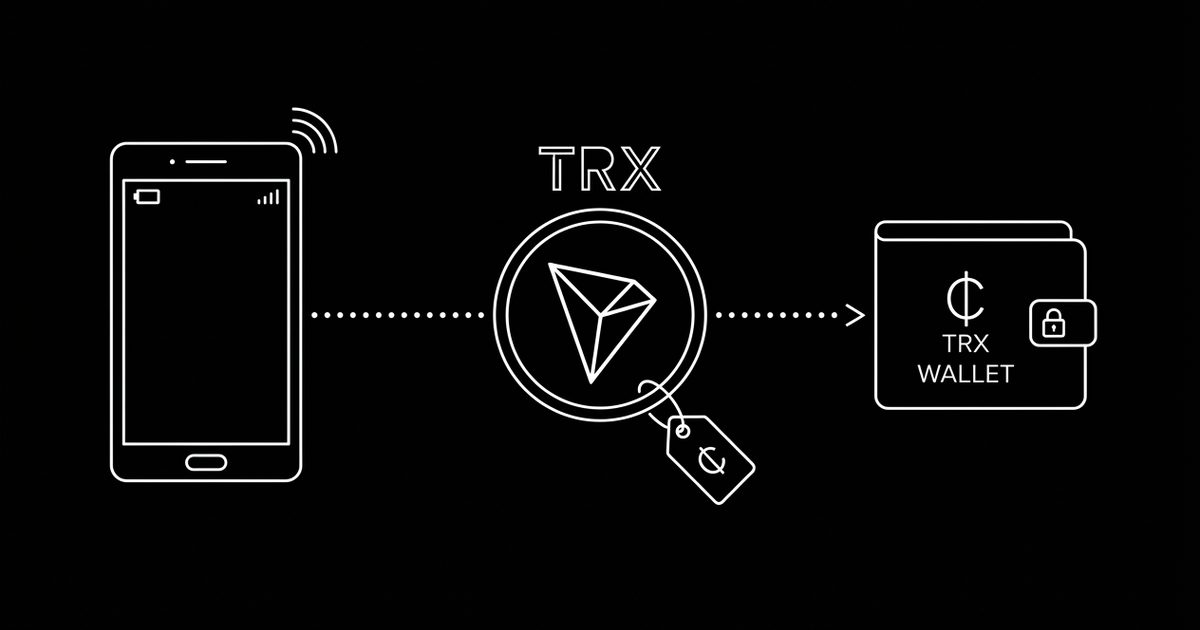
accept tron payments.
take TRX at your counter, in your invoices, or on your website — non-custodial, 0% transaction fees, live in 60 seconds.
live in three steps
paste the TRX address you already own — hardware, mobile or exchange withdrawal address.
your crypt.pe link and printable QR standee are live instantly. put it on your counter, invoice or website.
customers scan and send TRX straight to your wallet. payments are detected automatically, receipts included.
frequently asked
How do I accept Tron payments as a merchant?
Create a free crypt.pe page, paste the TRX wallet address you already own, and share your link or print the QR standee. Customers scan, send TRX, and the funds land directly in your wallet — crypt.pe never holds your money.
What are the fees for accepting TRX?
crypt.pe charges 0% transaction fees — forever. You only pay the blockchain's own network fee when you later move your TRX. Compare that to 2.9% + 30¢ on a typical card processor.
Is it non-custodial?
Yes. Payments settle on-chain from your customer's wallet straight into yours. There is no balance to withdraw, no account that can be frozen, and no card-network chargebacks.
Do customers need a special app?
No — any standard Tron wallet works. They scan your QR code or tap your link, send the exact amount shown, and the payment is detected automatically.
How fast do I see the payment?
Payments are detected automatically as soon as they hit the chain. Invoices show a live "payment received" state, larger amounts are additionally verified with confirmation depth before being marked paid.
where merchants take TRX.
trx is one of the go-to rails in these markets — each guide covers local currency display, regulation snapshots and how merchants there get set up.