Accepting crypto payments used to mean either running your own node or handing your revenue to a custodial processor that holds your money, takes a cut, and can freeze your account. Neither is necessary anymore. This guide walks through the whole process — from choosing a wallet to receiving your first on-chain payment — with the practical details most tutorials skip.
It's written for merchants, freelancers and creators, not developers. If you can copy and paste a wallet address, you can do everything described here.
why businesses accept crypto
Three reasons come up in almost every merchant conversation: fees, settlement speed, and reach. Card processors charge 2.9% + 30¢ on a typical online transaction — on $100,000 of annual card revenue, that's roughly $3,200 gone. Crypto payments settle wallet-to-wallet, so a non-custodial setup can genuinely cost 0% per transaction.
Settlement is the second driver. Card revenue arrives in 2-7 days and can be held longer after disputes; an on-chain payment is spendable in minutes. And because a wallet address works the same wherever wallet-to-wallet payments are permitted, you can sell to a customer in Lagos, Manila or Buenos Aires with none of the cross-border declines and FX markups that plague international cards.
Finally: chargebacks don't exist on-chain. A confirmed payment is final, which removes both fraud losses and the dispute-management time that comes with them.
what you actually need
The minimum viable setup is smaller than most people expect:
- a self-custody wallet (you already have one if you've used MetaMask, Trust Wallet, SafePal, Phantom or a hardware wallet)
- the public receiving address for each network you want to accept on — never a seed phrase or private key
- a payment page or invoice tool that shows the right address, the right amount and the right network to your customer
- a way to verify payments arrived — on-chain receipts, not screenshots
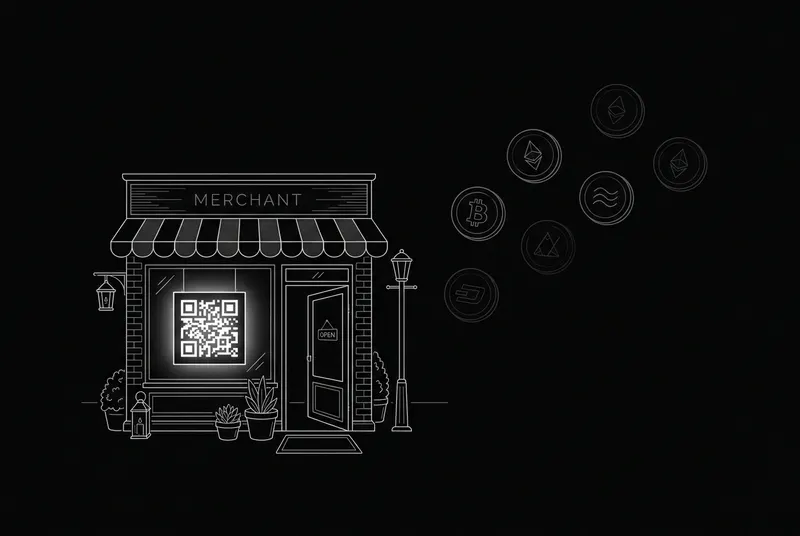
That third item is where most DIY setups fail. Pasting a raw address into an email invites wrong-network transfers, fat-finger amounts and no payment tracking. A purpose-built page (crypt.pe gives you one free at crypt.pe/yourname) handles coin choice, exact amounts, QR codes, wrong-network warnings and automatic payment detection.
step-by-step setup
- 1. Create your wallet(s). For stablecoins and ETH, any EVM wallet works; add a Bitcoin wallet if you want BTC. Write the seed phrase on paper, never digitally.
- 2. Claim a payment page and paste in your public addresses — one per network family.
- 3. Pick your coins. Most merchants start with USDT, USDC, BTC and ETH (more on this below).
- 4. Test it yourself: send $2 from a personal wallet, watch it get detected, check the receipt.
- 5. Put the link everywhere — invoices, email signatures, your website — and print a QR standee if you have a counter.
- 6. For invoices with fixed amounts, create per-invoice payment requests so amounts are locked and matched automatically.
which coins should you accept?
Accept the coins your customers already hold, not the ones you find interesting. In practice that means:
| coin | why merchants accept it | watch out for |
|---|---|---|
| USDT | the most-held stablecoin on earth; no volatility | exists on many networks — always show which one |
| USDC | regulated, widely trusted stablecoin | same multi-network caution as USDT |
| BTC | the most recognised asset; large holder base | confirmations take ~10-60 min for big amounts |
| ETH | second-largest ecosystem | price moves — quote at payment time |
| SOL / TRX / TON | cheap, fast regional favourites | smaller holder bases outside their communities |
Stablecoins deserve the emphasis: for a business, getting paid in a dollar-pegged asset removes the volatility conversation entirely. Price your goods normally, receive the exact dollar value on-chain.
what it costs (honestly)
There are only two costs in a non-custodial setup, and only one of them goes to anyone:
- network fees — paid by the payer to the blockchain, not to you: cents on Tron/Solana/Base, a few dollars on Ethereum mainnet at busy times
- tooling — crypt.pe charges 0% per transaction and runs on flat plans with a free tier; custodial processors typically charge 0.5-2% of every sale plus payout fees
Compare that with the 2.9% + 30¢ card baseline and the math is simple: the more you sell, the more a percentage-based processor costs you. A flat subscription costs the same whether you take $1,000 or $1,000,000 a month.
security: who holds the money?
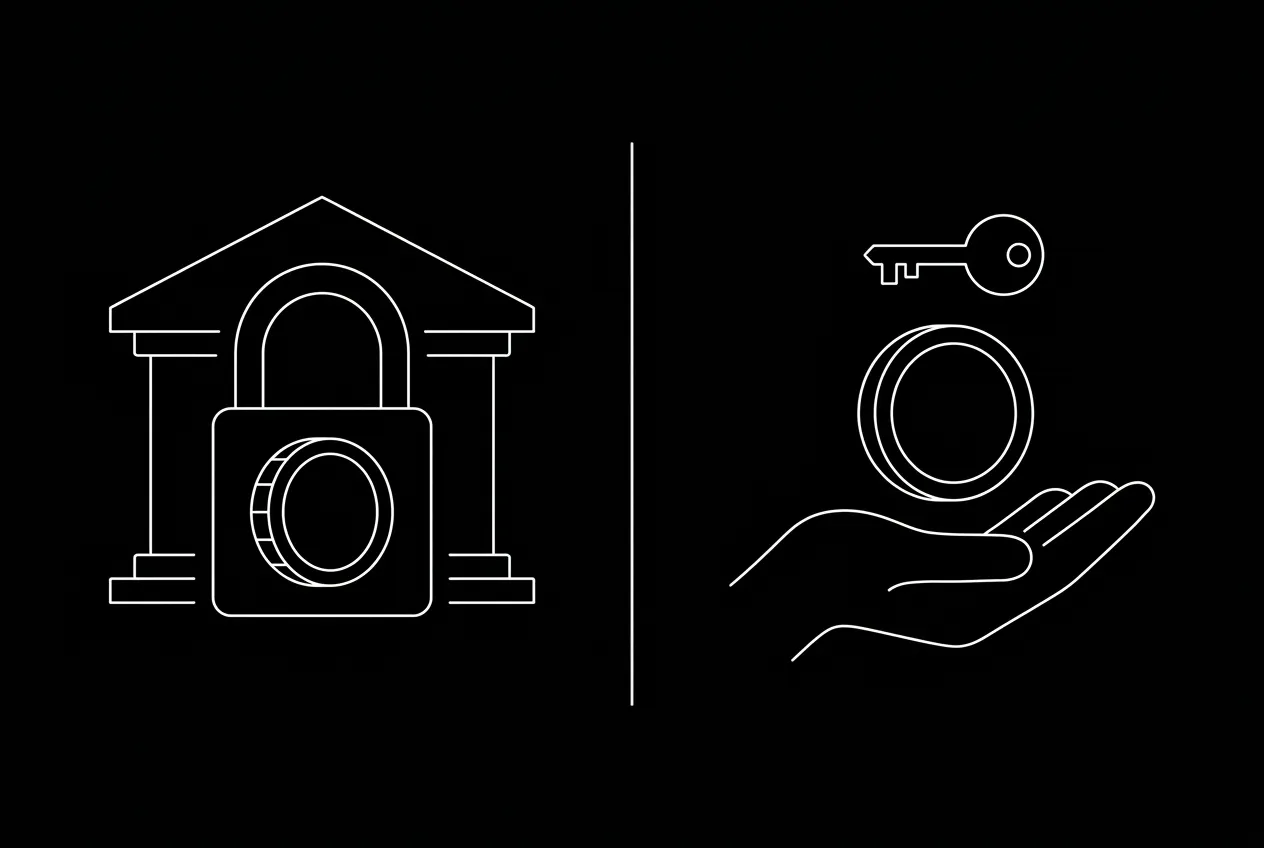
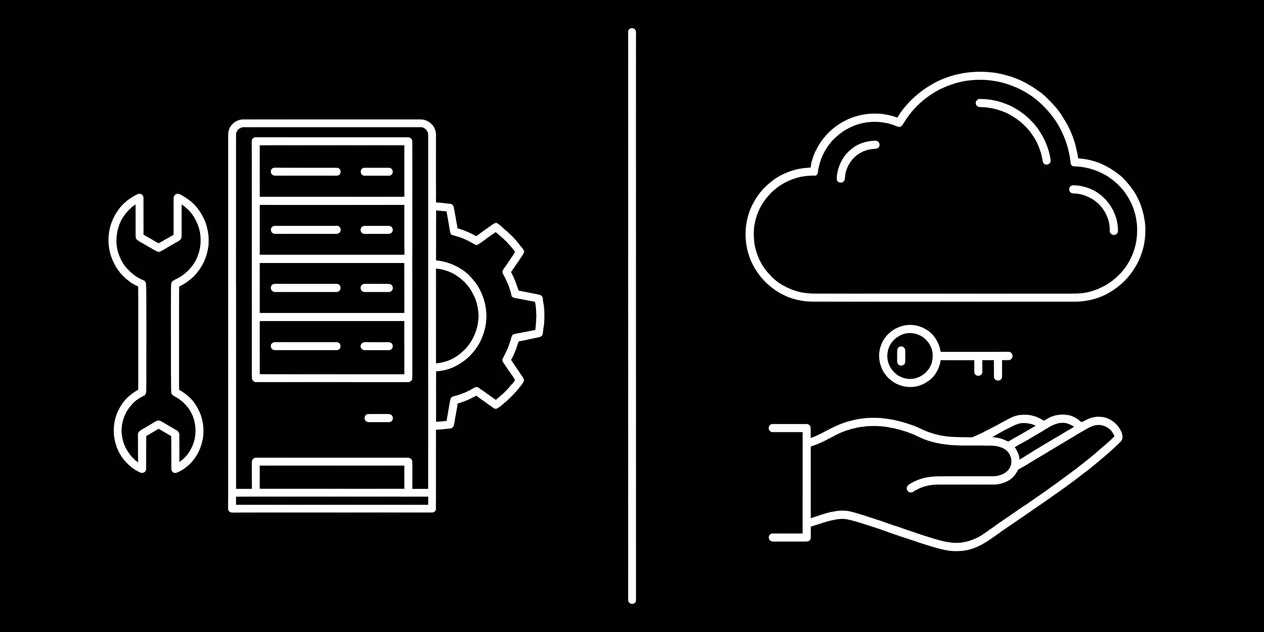
This is the single most important architectural question, and it splits every product on the market into two camps. Custodial processors receive the crypto into their wallets, then credit you — meaning they can hold, freeze or lose your funds, and they become a hacking target holding thousands of merchants' revenue.
Non-custodial tools like crypt.pe never touch the money: the payer's wallet sends directly to your wallet, on-chain, every time. The tool's job is only to show the right address, lock the right amount and verify the payment publicly. No middleman balance, nothing to freeze, nothing to withdraw — it's already yours.
Whatever you choose: no legitimate service ever needs your seed phrase or private key. A public address (or an xpub for fresh-address generation) is all any payment tool should ask for.
common mistakes to avoid
- sharing one address as plain text with no amount — you'll spend hours matching payments to invoices
- ignoring networks — USDT sent on the wrong chain to an exchange-owned address is usually unrecoverable
- screenshot 'proof' — always verify on-chain; a receipt anyone can check protects both sides
- keeping large balances in a hot wallet — sweep to cold storage periodically
- waiting zero confirmations on large payments — give big-ticket sales a confirmation depth policy (crypt.pe does this automatically)
references
- [1]Bitcoin developer guide — payment processing
- [2]Gas and fees — ethereum.org
- [3]Circle — USDC official
- [4]IRS — digital assets guidance
primary sources last verified — details may change; confirm on the source pages.
frequently asked
Do I need to understand blockchain technology to accept crypto?
No. If you can copy a wallet address, you can accept crypto. Modern tools handle QR codes, exact amounts, network warnings and payment detection automatically.
How much does it cost to accept crypto payments?
With a non-custodial tool like crypt.pe, 0% per transaction — payers cover a small network fee (cents on most chains) and the tool runs on flat plans with a free tier. Custodial processors typically charge 0.5-2% per sale.
Is accepting crypto safe for my business?
With a non-custodial setup, payments go straight from the customer's wallet to yours on-chain — there is no intermediary to be hacked or to freeze funds, and confirmed payments cannot be charged back.
Which cryptocurrency should a business accept first?
Stablecoins (USDT, USDC) plus BTC and ETH cover the overwhelming majority of real-world payment demand. Stablecoins remove volatility entirely: you receive the exact dollar value you charged.