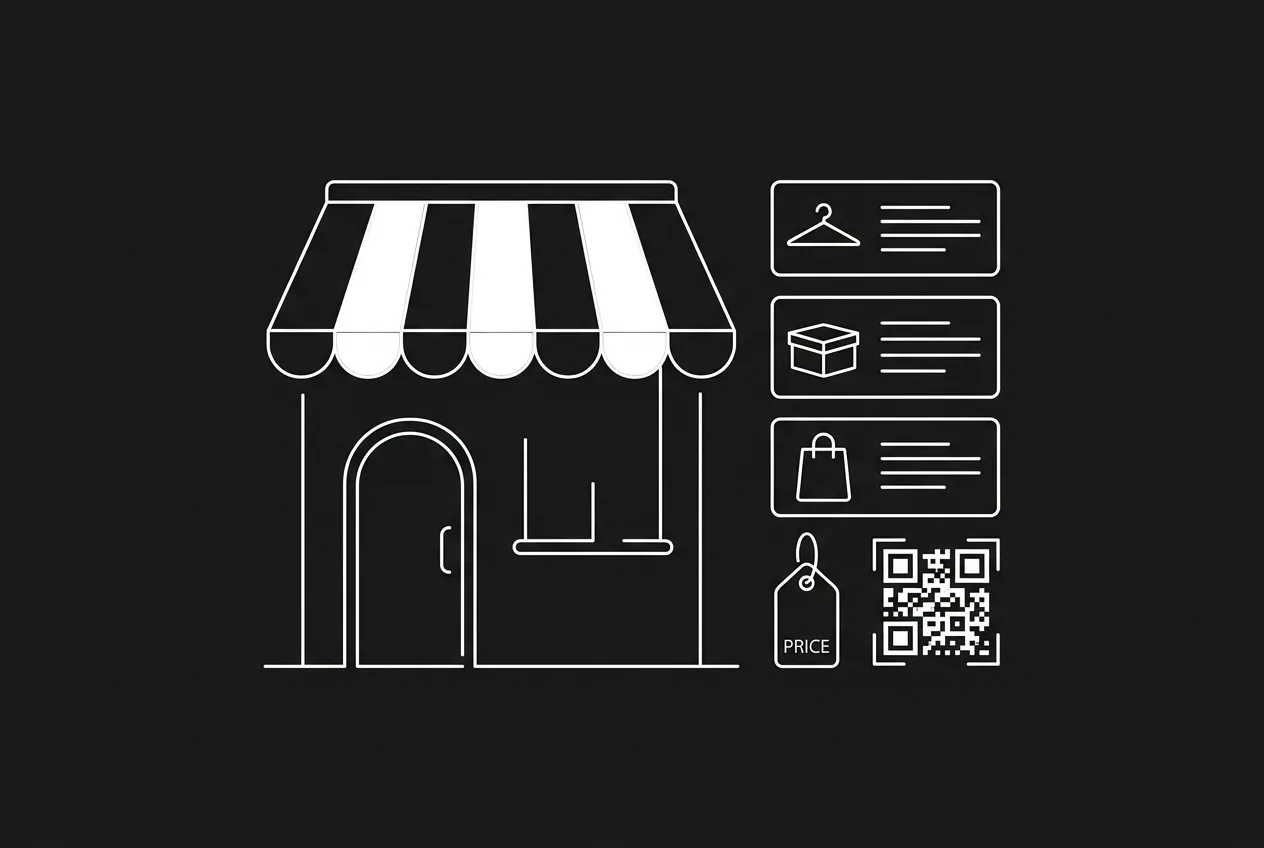
A storefront used to mean a platform: pick a theme, connect a payment processor, wait for approval, hand over a percentage of every sale. For anyone selling digital goods, sessions or small physical drops for crypto, that stack is overkill. A modern crypto storefront is a link — crypt.pe/yourname/products — that lists what you sell and takes payment on-chain, straight to a wallet you control.
This guide walks through setting one up end to end: adding products, branding the shop with a banner and accent color, organising a bigger catalogue with categories and search, controlling product order, and what happens when something sells out. No store platform, no checkout plugin, and the tooling itself charges 0% per sale on current plans.
why a storefront beats loose payment links
A single payment link works for one-off invoices. The moment you sell more than one thing, loose links create friction: buyers can't browse, prices live in chat history, and every sale needs a conversation. A storefront fixes that by giving your whole catalogue one shareable URL where each product has its own page, its own locked price and its own share card that unfurls cleanly on WhatsApp, X and Telegram.
Because the checkout underneath is non-custodial, the storefront never becomes a balance somewhere: each purchase creates a tracked invoice and the payment verifies on-chain before settling directly to your wallet. The storefront is presentation; settlement stays wallet-to-wallet.
step 1 — list your first products
- create your crypt.pe page and add the wallet addresses you want to receive on — public addresses only, never a seed phrase
- add a product: title, USD price, optional description, image and stock limit
- each product gets its own page at crypt.pe/yourname/p/product-slug with the price locked server-side
- your storefront appears automatically at crypt.pe/yourname/products the moment one product is active
- test it: open your own product page from a phone and pay yourself $2 to watch detection and the receipt
Prices are set in dollars and quoted into the buyer's chosen coin at payment time, so stablecoin payments arrive exact to the cent and volatile-coin payments are locked at the moment of checkout.
step 2 — brand it like it's yours
A default shop looks fine; a branded one converts better because buyers recognise the seller. Three controls matter:
- cover banner — a wide header image (1200×400 works well) shown at the top of both your storefront and your main payment page, so the two surfaces feel like one brand
- accent color and theme — one accent tints buttons, prices and pills across the shop; pick dark or light as the default first-time visitors see
- layout — list view gives each product a large card with its description; grid view shows compact tiles, two columns on phones and three on desktop, better for shops with many visual products
Long product titles are handled for you in grid view: they clamp to two tidy lines with the full title on hover, and every card keeps the same height so price rows line up.
step 3 — organise a bigger catalogue
Five products need no structure. Fifteen do. Three tools keep a growing shop browsable:
- categories — tag each product ("ebooks", "prints", "consulting") and the storefront groups them into titled sections automatically
- quick-nav pills — shops with two or more categories get tappable pills at the top that jump buyers straight to a section
- shop search — storefronts with several products show a search box that filters by title, description and category as the buyer types
- drag ordering — arrange products in the order you want from the dashboard; the storefront respects it instead of defaulting to newest-first
Put your best seller first, keep seasonal drops in their own category, and let search do the rest — the goal is that a buyer lands, finds, and pays in under a minute.
stock limits and sold-out handling
Products can carry a stock limit — useful for limited drops, one-of-one prints or session slots. Paid orders count against the limit automatically. When something sells out, it stays on the shelf as a muted, non-clickable tile with a clear sold-out badge instead of disappearing.
That choice is deliberate: a visible sold-out item is social proof. It tells a new visitor that other people buy here, and it keeps the shop looking full while you restock.
what it costs
| cost | typical store platform + processor | non-custodial storefront (crypt.pe) |
|---|---|---|
| per-sale fee | 2.9% + 30¢ card fee, plus platform fees | 0% platform fee on current plans — payer covers the network fee |
| monthly | $29-299 platform subscription | storefront is part of the Pro plan ($9/mo); free tier covers the payment page |
| settlement | 2-7 day payouts to a bank | on-chain to your wallet, spendable in minutes |
| custody | processor holds funds until payout | funds never pass through a middleman balance |
Network fees are paid by the buyer to the blockchain, not to anyone in between: cents on Tron, Solana, Polygon or Base, more on Ethereum mainnet at busy times. Card-network chargebacks don't apply to on-chain payments — confirmed transactions are generally irreversible, though you can still refund a buyer on-chain when it's the right thing to do.
mistakes to avoid
- skipping the banner and accent — an unbranded shop looks like a test page and converts like one
- one giant uncategorised list — past roughly eight products, buyers stop scrolling; categories and ordering exist for this
- vague titles — "Preset Pack Vol. 2 (Lightroom)" beats "My Presets"; titles are what search matches against
- no stock limit on limited items — oversold one-of-ones are refund conversations you don't need
- forgetting the share cards — every product link unfurls with an image and price; paste the product link, not the homepage
references
- [1]Baymard Institute — checkout usability & cart abandonment research
- [2]Gas and fees — ethereum.org
- [3]TRON docs — resource model (TRC-20 costs)
- [4]Solana docs — transaction fees
primary sources last verified — details may change; confirm on the source pages.
frequently asked
Do I need a Shopify or WooCommerce store to sell for crypto?
No. A crypt.pe storefront is a hosted page at crypt.pe/yourname/products — no platform, plugin or theme required. If you already run WooCommerce, a plugin exists for that too.
Can I customise how my crypto storefront looks?
Yes — upload a cover banner, pick an accent color and default theme, and choose a list or grid product layout. Branding controls are part of the Pro plan.
What happens when a product sells out?
Products with a stock limit stop accepting orders automatically once paid sales reach the limit. The product stays visible on the storefront as a non-clickable tile with a sold-out badge.
Where does the money go when someone buys?
Each purchase creates a price-locked invoice and the payment settles on-chain directly to a wallet address you control. crypt.pe verifies the payment publicly but never holds the funds.