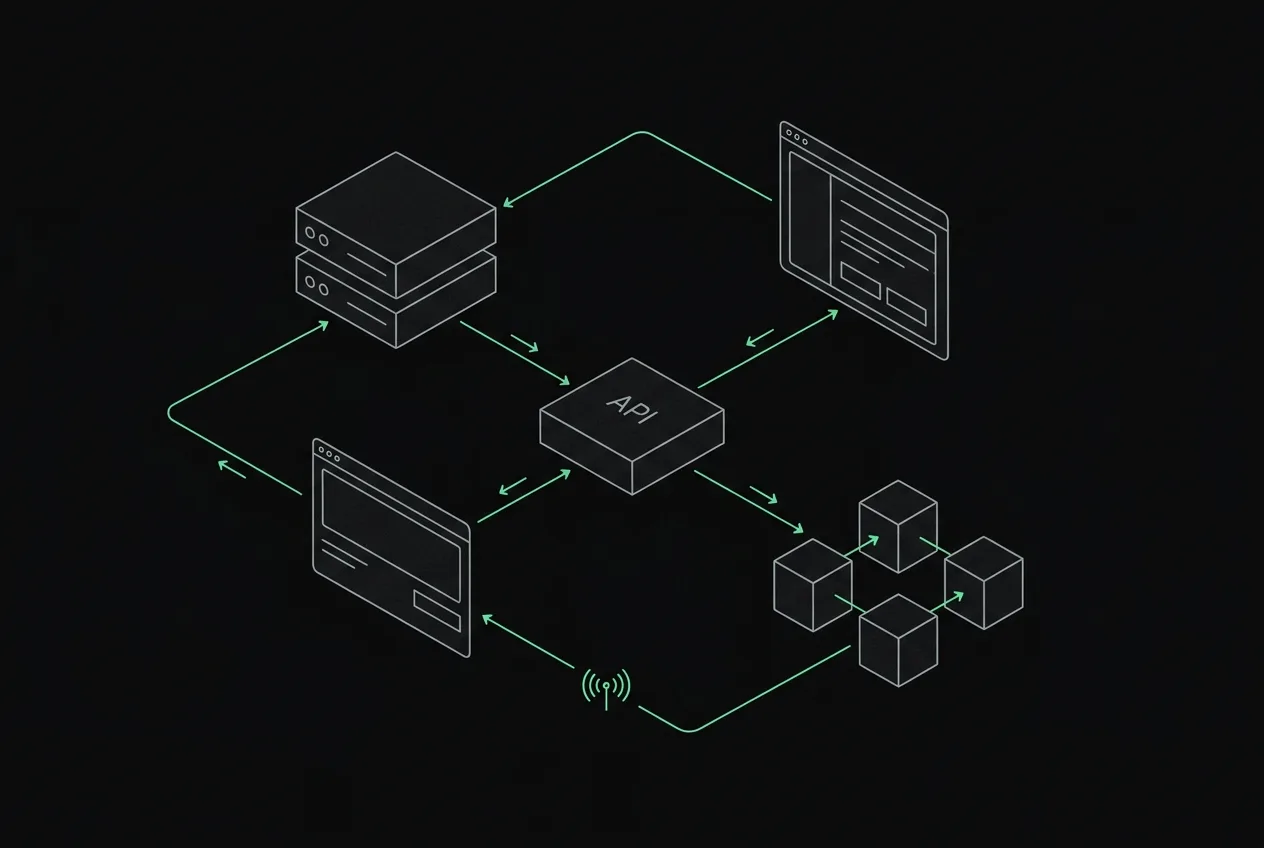
Shopify's only native crypto option is USDC on Base via Shopify Payments (announced June 2025 — US-focused, one stablecoin). For everything else, stores accept crypto through a third-party route: a crypto payment gateway app, an embedded checkout button, or a payment link shared at checkout. This guide compares all three honestly — including what each one costs, who holds your money, and the setup steps.
The short version: percentage-fee gateway apps such as BitPay (custodial) and legacy Coinbase Commerce (retired into Coinbase Business in March 2026) plug in neatly but take 1% or more of every sale. A non-custodial route costs 0% per transaction and settles straight to your own wallet — the trade-off is a slightly more manual integration until native app store listings land.
the three ways to accept crypto on shopify
Every Shopify crypto payment setup falls into one of three patterns:
- gateway apps (BitPay; formerly Coinbase Commerce, retired March 2026): installed as an alternative payment method; 1-2% percentage fees, KYC onboarding, and custodial holding in BitPay's case
- embedded checkout buttons: a JS snippet or Liquid block that opens a crypto checkout for the cart amount; non-custodial options settle wallet-to-wallet
- payment links / invoices: you send the customer a hosted payment page for the order total — lowest setup effort, works today with any Shopify plan
Most merchants underestimate the third option. For stores doing custom orders, DMs-to-checkout sales or B2B invoices, a crypto payment link with a locked exact amount is often faster to deploy than any app — and it works on Shopify Basic, which restricts custom checkout scripts.
option 1 — custodial gateway apps
BitPay and Coinbase Commerce list in the Shopify App Store and appear as 'pay with crypto' at checkout. Setup is genuinely easy: install, complete business verification, connect a settlement account.
The costs are structural, not incidental. You pay ~1% (legacy Coinbase Commerce, before its March 2026 retirement) to 1-2% (BitPay) on every transaction; with custodial apps your funds sit in the processor's custody until settlement; the processor can freeze your account or require documentation mid-flow; and coverage depends on their supported-country list. If you sell from a market they don't serve, you're excluded regardless of Shopify plan.
option 3 — payment links for manual and custom orders
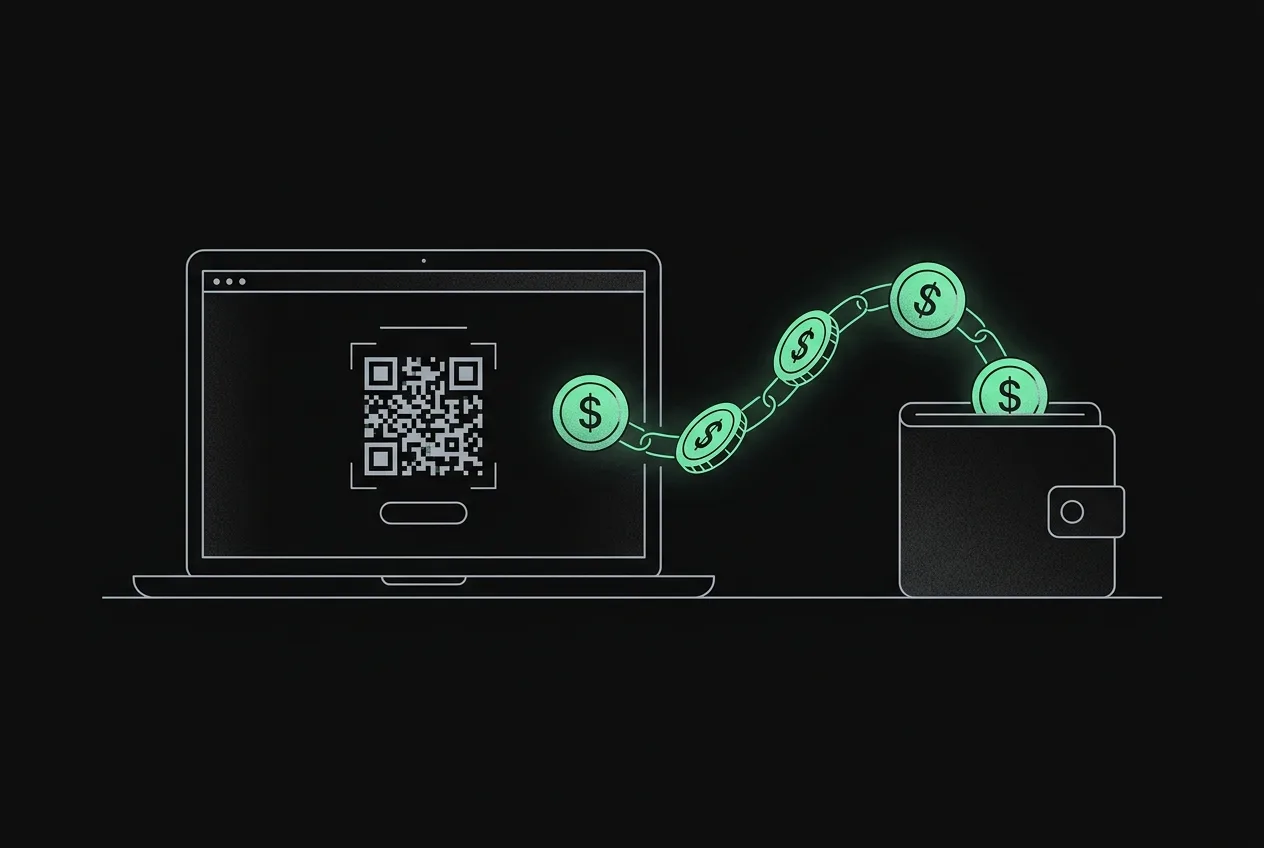
If your Shopify sales involve any human step — quotes, custom orders, wholesale, social-media selling — you don't need checkout integration at all. Create an invoice for the exact order amount and send the link; the customer picks a coin, scans a QR and pays. The amount is locked at creation, the payment is matched automatically, and both sides get an on-chain receipt.
Stores commonly run this alongside cards: crypto-holding customers ask for it, everyone else checks out normally. Zero risk, zero code, and it doubles as your fallback while a native app integration is pending.
step-by-step: crypto payments on shopify with crypt.pe
- 1. Create a free crypt.pe page and add your own wallet addresses (public addresses only — never a seed phrase).
- 2. Enable the coins you want at checkout: most stores start with USDT, USDC, BTC and ETH.
- 3. For automated checkout: generate an API key in the dashboard's gateway tab and follow the Shopify integration guide to add the Liquid snippet + JS button.
- 4. For manual orders: create an invoice per order from the dashboard and send the link.
- 5. Test with a $2 payment from your own wallet before going live.
- 6. Point the payment.confirmed webhook at your order-management flow so orders flip to paid automatically.
fees compared on real numbers
The percentage routes scale their cost with your success; the flat route doesn't. On meaningful volume the difference funds real marketing.
| route | per-transaction fee | on $20,000/mo |
|---|---|---|
| Coinbase Commerce app (legacy, retired 2026) | 1% | $200/mo |
| BitPay app | 1-2% | $200-400/mo |
| crypt.pe (non-custodial) | 0% + flat plan | $0-29/mo flat |
| cards (baseline) | 2.9% + 30¢ | $580+/mo |
references
- [1]Shopify — supported crypto payment providers
- [2]Shopify — alternative payment gateways
- [3]Circle — USDC official
primary sources last verified — details may change; confirm on the source pages.
frequently asked
Does Shopify support crypto payments natively?
No. Shopify has no built-in cryptocurrency support — every store uses a third-party gateway app, an embedded checkout button, or payment links to accept crypto.
What is the cheapest way to accept crypto payments on Shopify?
A non-custodial gateway. crypt.pe charges 0% per transaction on every plan — payments settle wallet-to-wallet — versus 1-2% on percentage-fee apps like BitPay (custodial) or the now-retired Coinbase Commerce.
Do I need a Shopify Plus plan to accept crypto?
No. Gateway apps work on standard plans, and payment links work on every plan including Basic. Custom checkout scripting is the only route with plan restrictions.
Who holds the funds when a customer pays in crypto?
With custodial apps, the processor holds funds until settlement. With a non-custodial setup like crypt.pe, the customer's wallet pays your wallet directly on-chain — nobody in between ever holds your money.